Billable vs Non-Billable Hours: Definitions, Examples and Utilisation
Want to know the differences between billable vs non-billable hours? Learn the distinctions, examples, and types here!

Want to know the differences between billable vs non-billable hours? Learn the distinctions, examples, and types here!
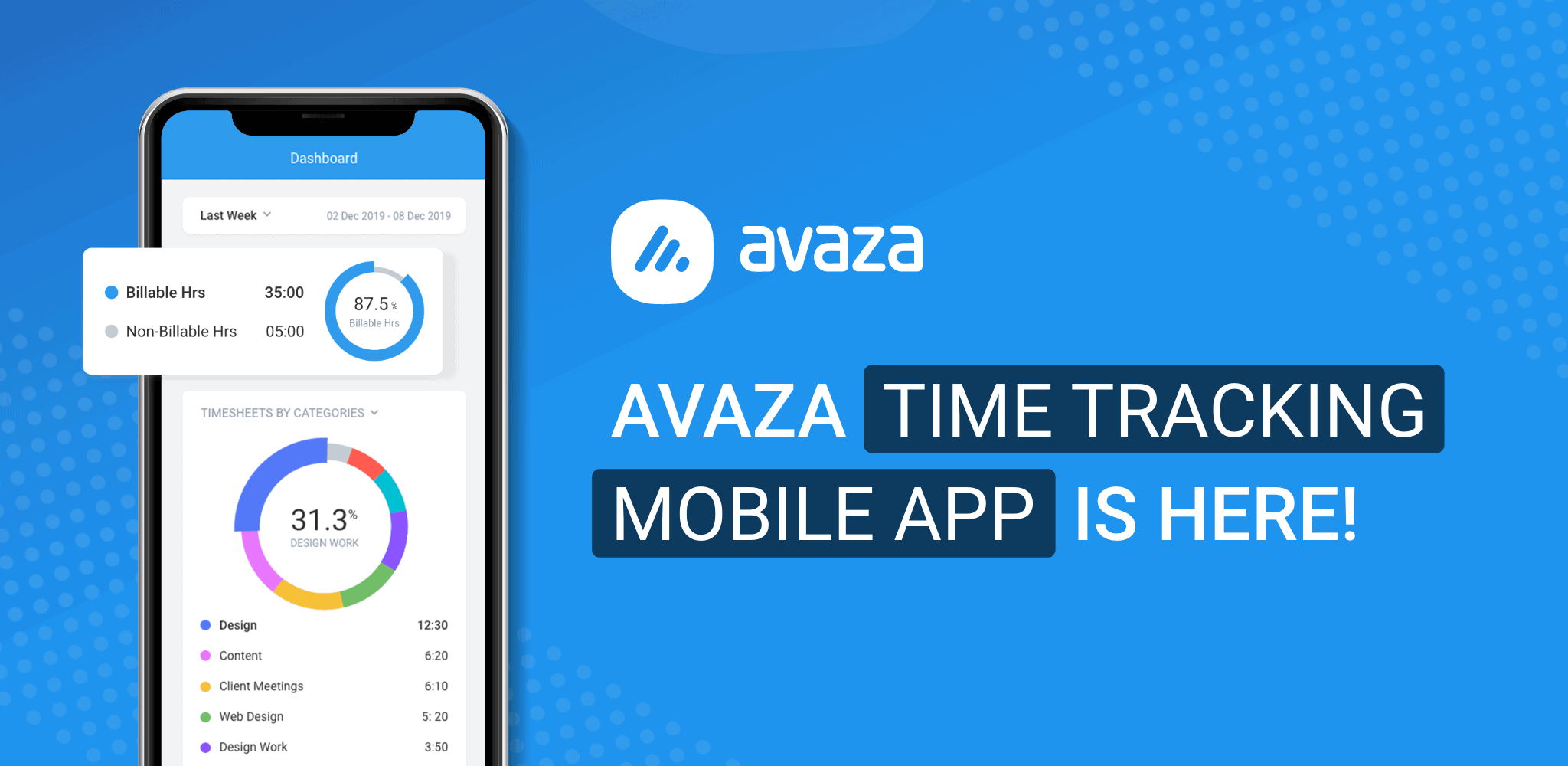
The team at Avaza has been hard at work developing a new mobile time tracking app. The new app is packed with features optimized for
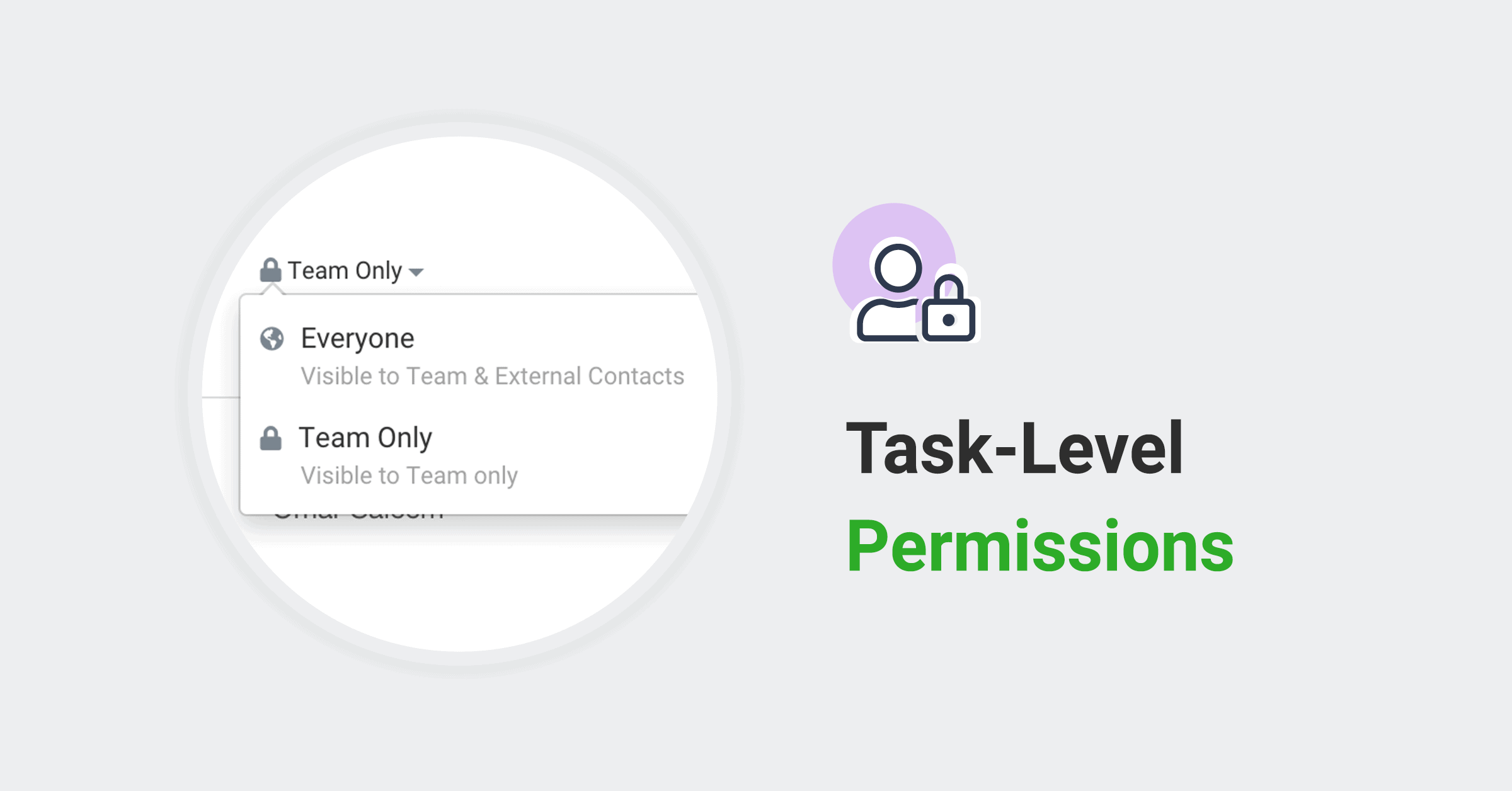
We’re excited to introduce fine-grained control over the visibility of project tasks. Avaza has always allowed you to invite users external to your organisation to
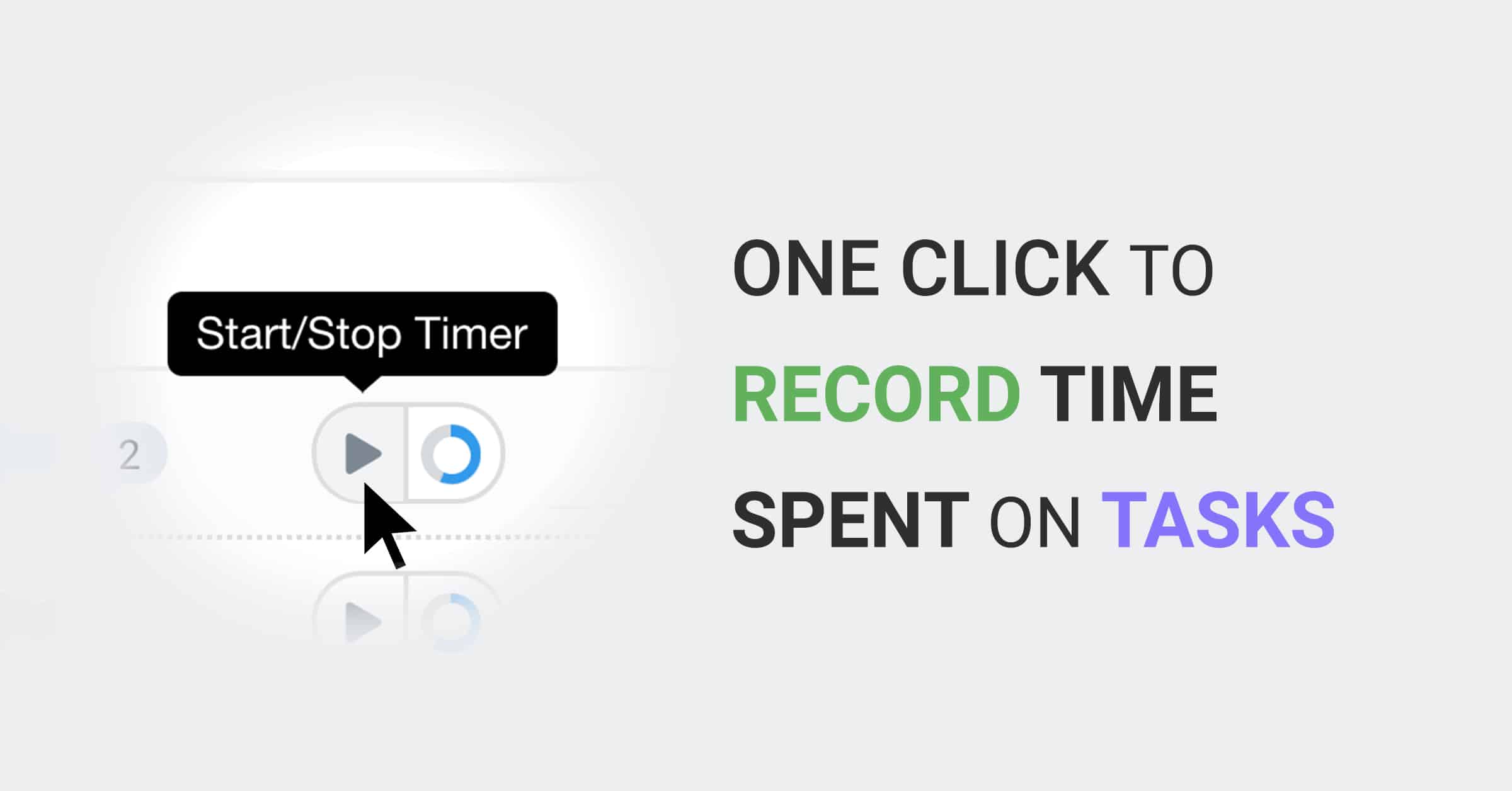
We’re excited to announce a new one-click action to Start/Stop a timesheet Timer on any Task in Avaza! This tighter, seamless integration between Task Management
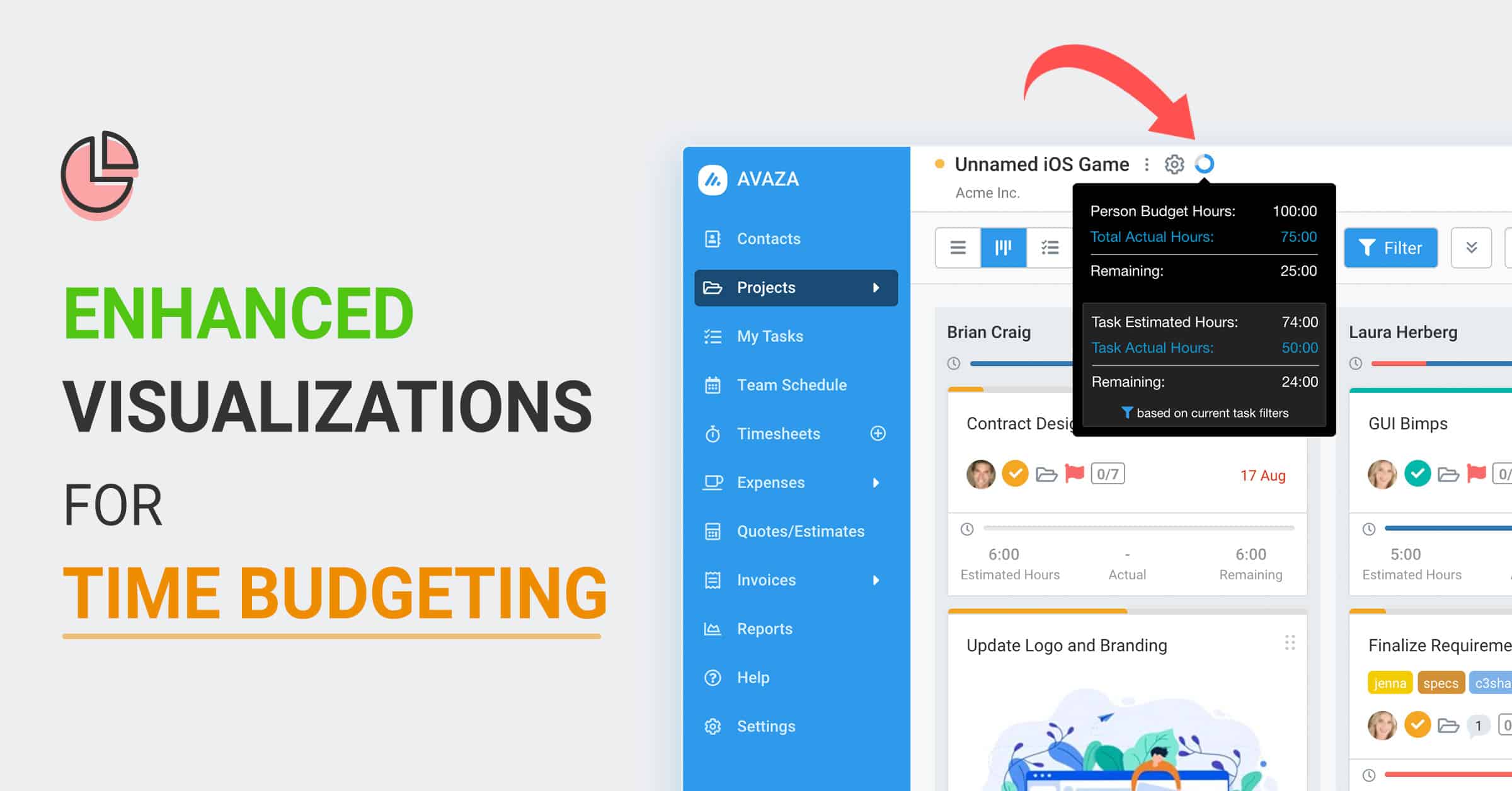
Are we going over our time estimate? Many professionals & teams track their time, and would like to monitor how close Tasks & Projects are
Greetings Avazers! We have introduced a popularly requested enhancement to the Timesheet & Expense approval workflows. You can now nominate Default Timesheet & Expense Approvers for
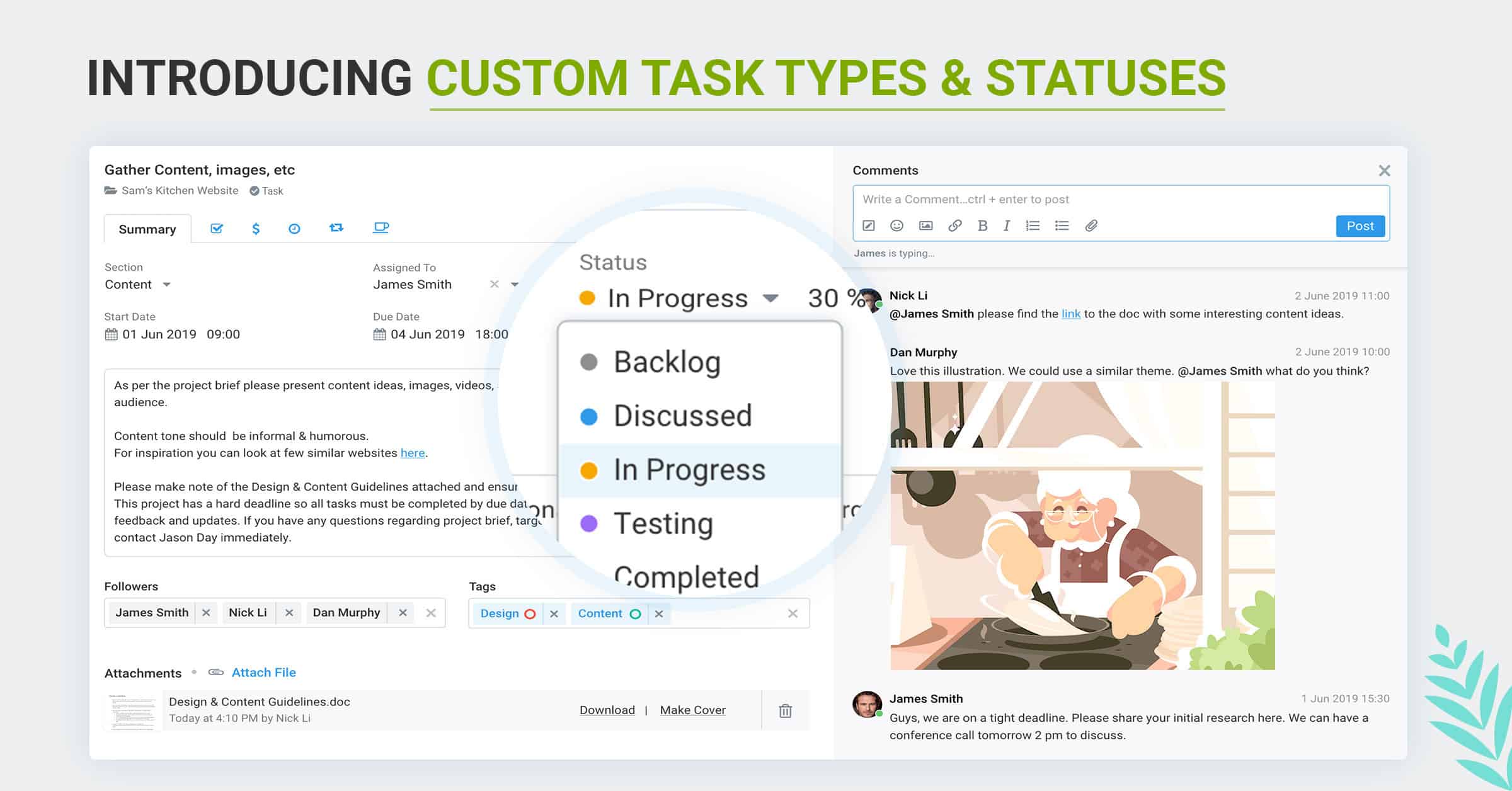
We are excited to announce Custom Task Types and Custom Task Statuses, both highly requested features.
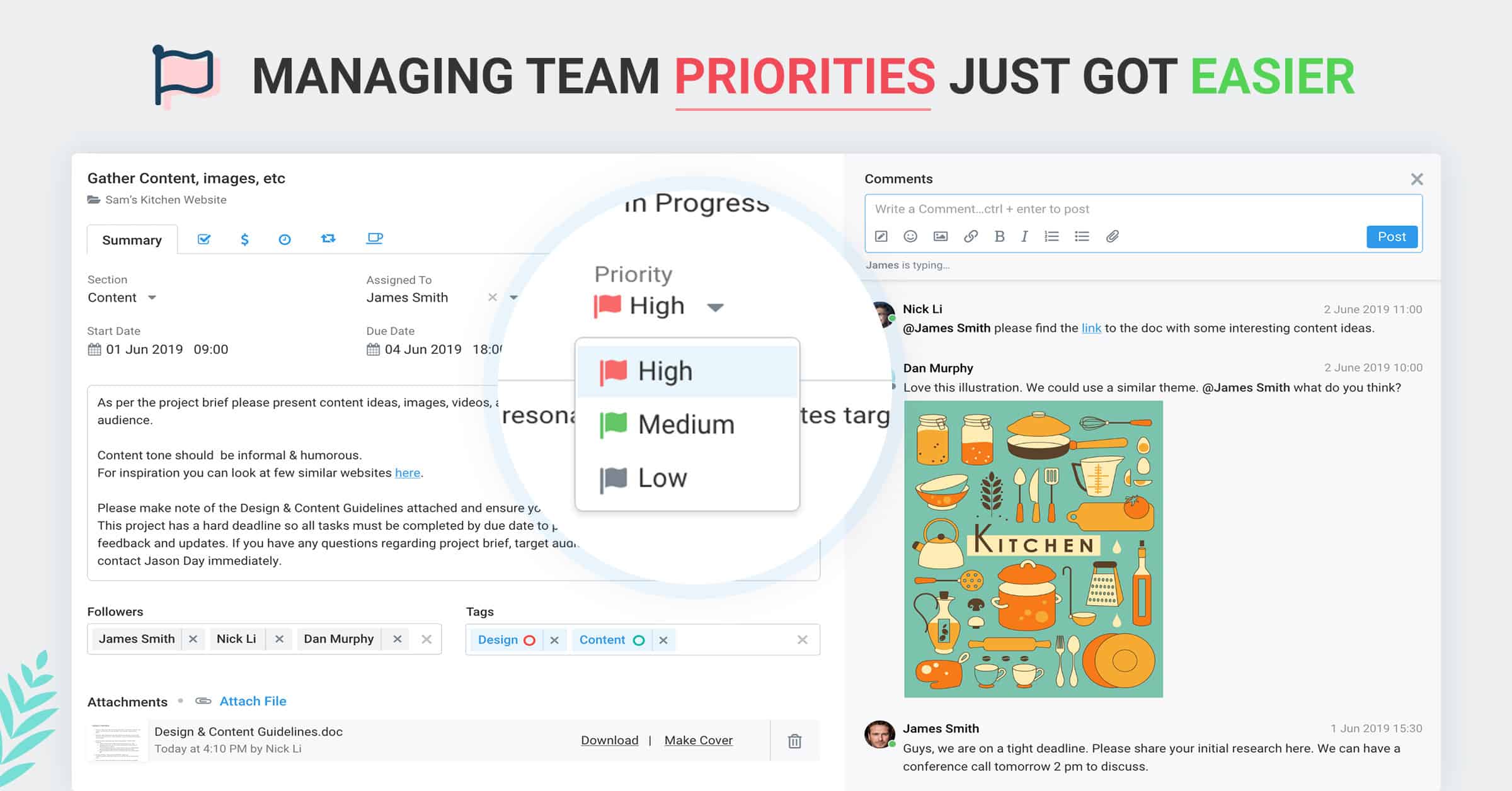
Today we’re happy to announce the addition of a Priority field for Tasks in Avaza. Now you can easily prioritize your tasks to clearly plan
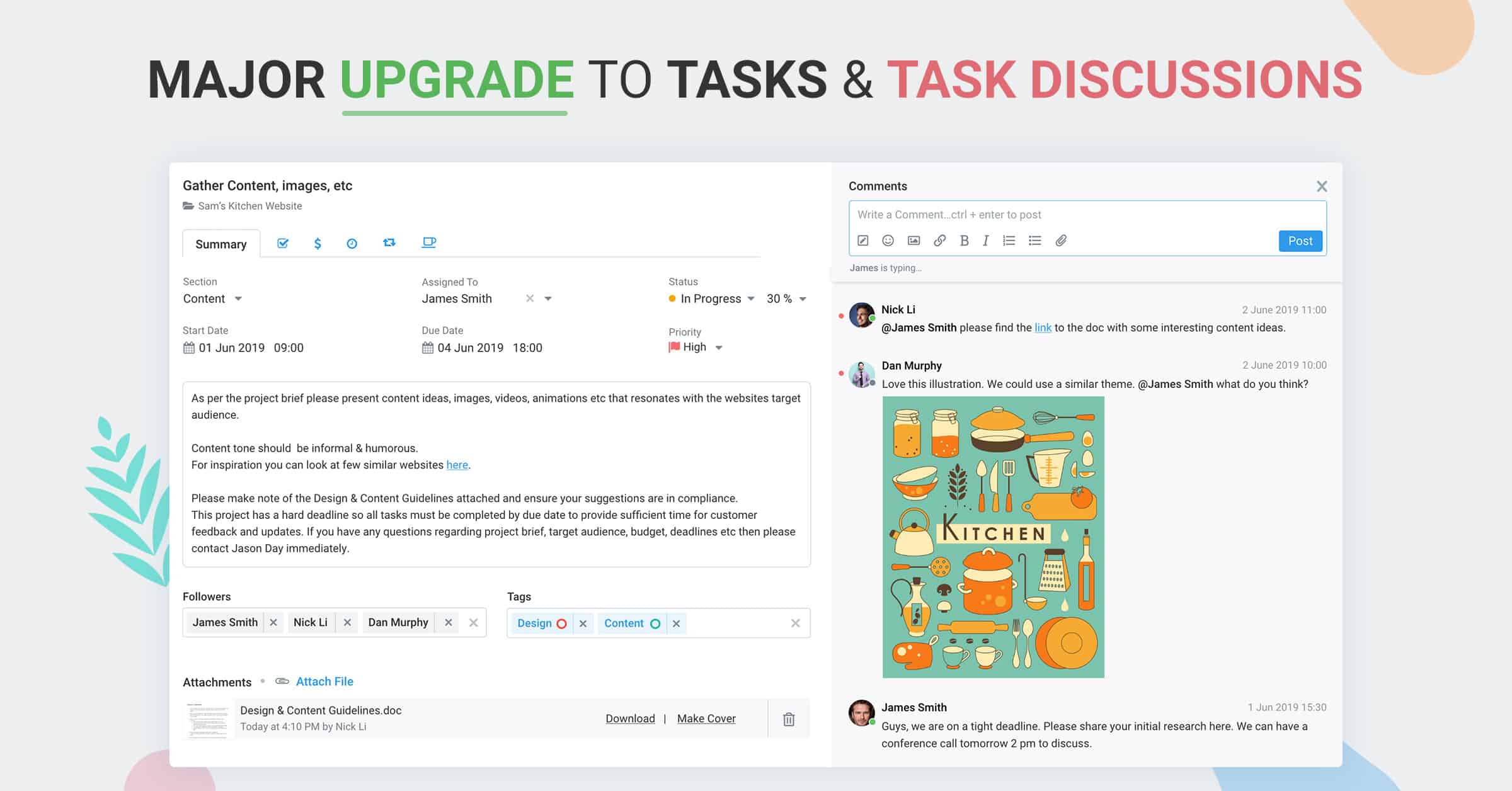
As part of our continuous efforts to enhance Avaza, our team has been making significant improvements to task management & collaboration. The upgrade announced today
Personal Access Tokens are for your developers to conveniently authenticate one-off apps and scripts. These are typically simple applications for your internal company use, and
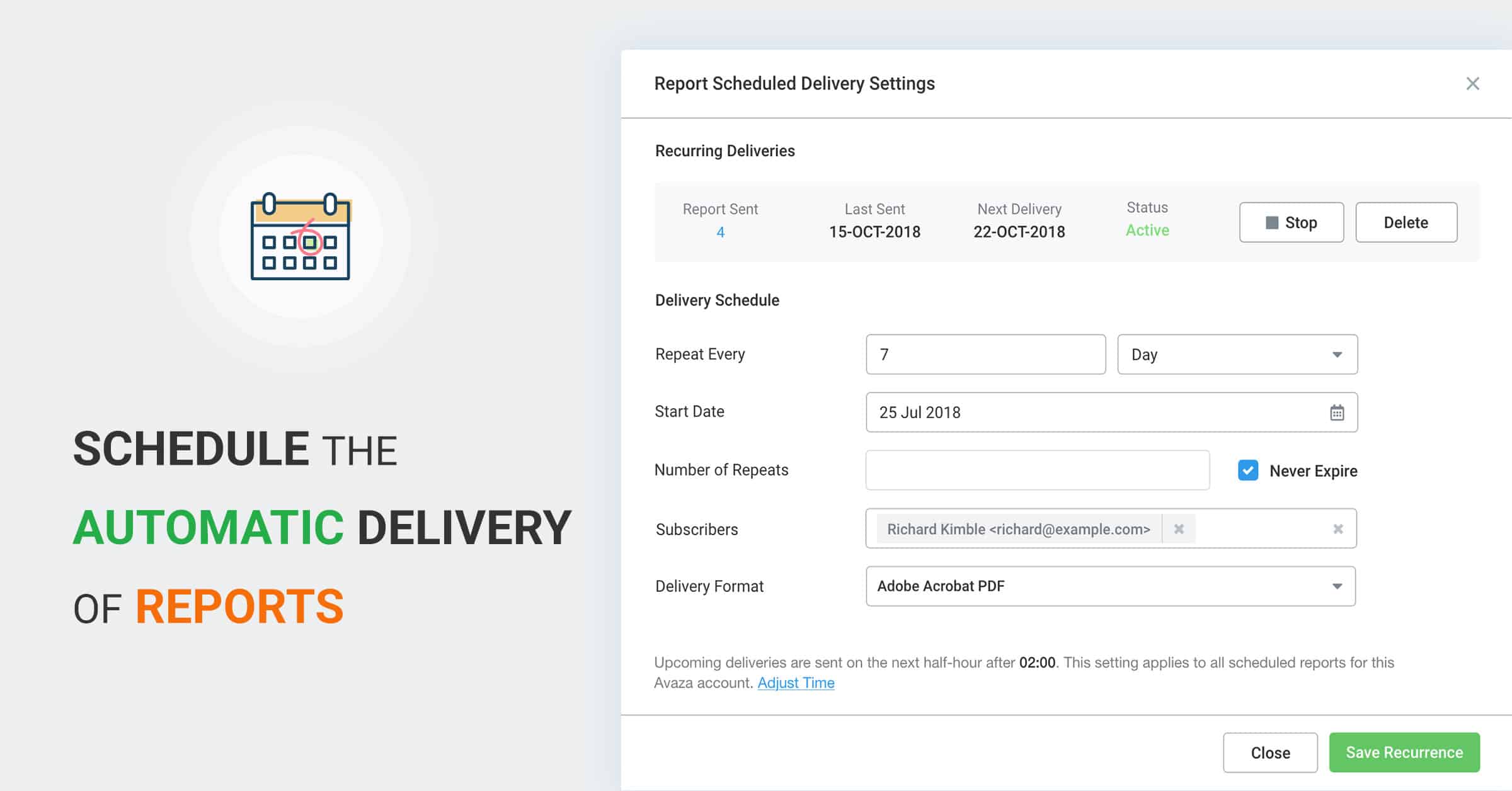
We’re excited to announce another powerful new enterprise-class Avaza feature. You can now schedule the generation and automatic delivery of your Saved Reports.