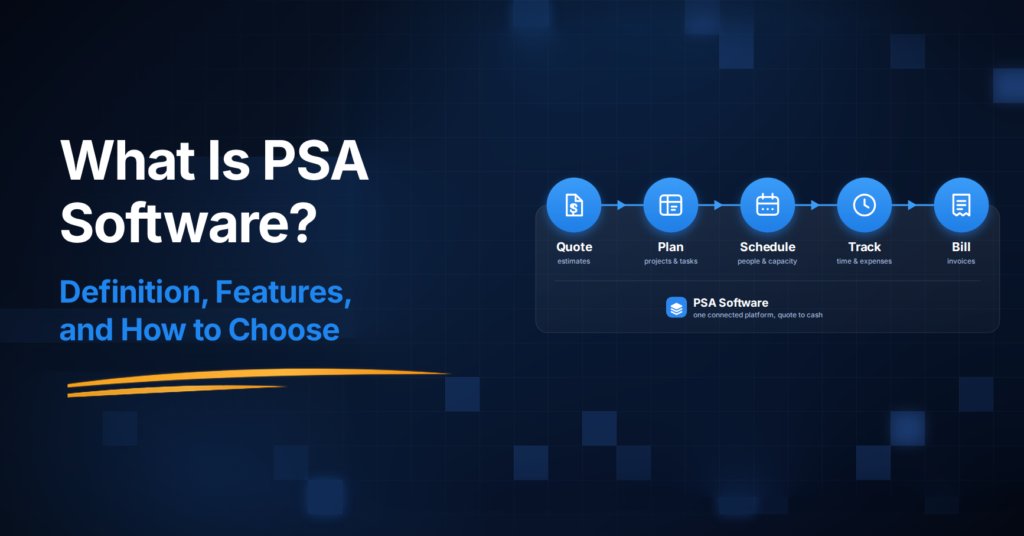
What Is PSA Software? Definition, Features, and How to Choose
PSA (professional services automation) software connects delivery, resources, time and billing in one system. Definitions, features, and how to choose.

PSA (professional services automation) software connects delivery, resources, time and billing in one system. Definitions, features, and how to choose.

SEO project management software is your answer to chaotic workflows. Stop juggling tools and missing deadlines. Start managing projects seamlessly today!
Harvest’s 2026 pricing adds usage fees on top of the per-seat rate. Here’s what changed, how to read your renewal, and what a predictable alternative looks like
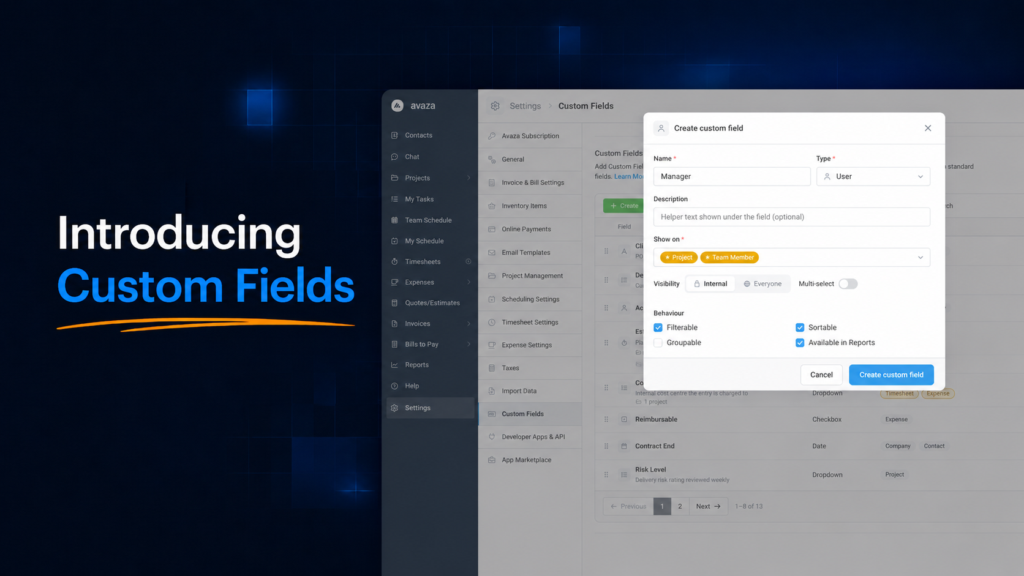
Custom Fields are here! Add your own fields to Projects and Tasks — dropdowns, dates, numbers, people, locations and more — then filter, sort and group your views by the information that matters to your business. Set up your first field in about a minute.
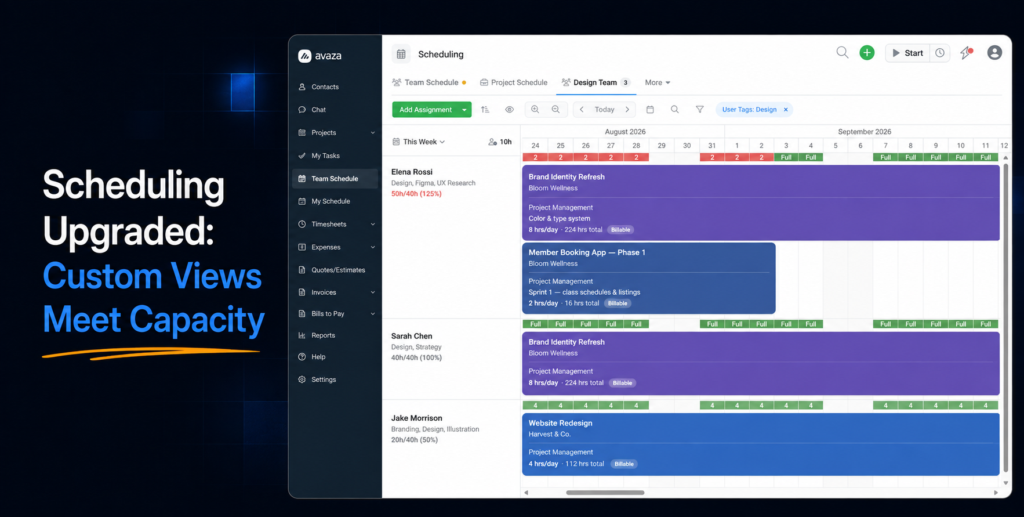
The Team Schedule page just got its biggest upgrade yet. Custom views come to scheduling — create, save, and share views with your own filters, sort, and layout. See real availability and utilisation for any date range, sort by who’s free, and use filters that finally work the way you’d expect. Everything you use today still works exactly as before.
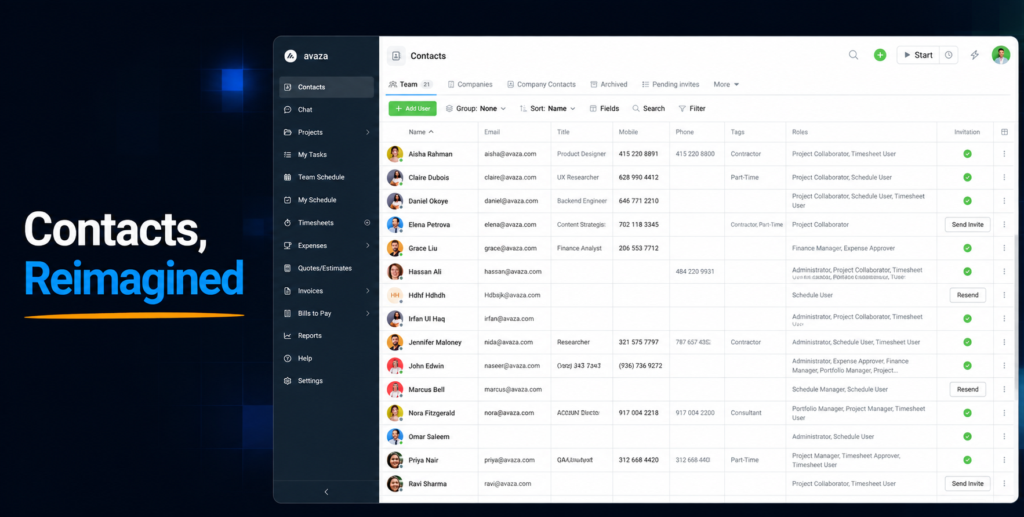
Clicking a customer in Avaza now opens a complete Company page — details, contacts, projects, invoices, timesheets and more, each in its own customisable tab. Plus, custom views arrive in the Contacts area, so you can build and share the exact lists your team needs.
What PSA software is, when your firm needs it, what it costs, and how to evaluate platforms in 2026. A buyer’s guide in plain operational language.
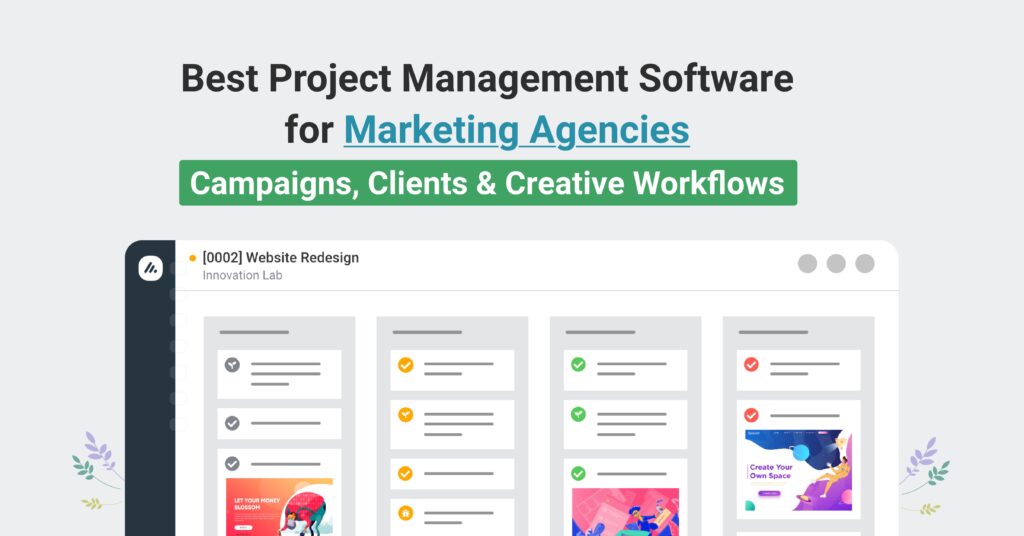
See top options for campaign planning, approvals, capacity, time tracking, and invoicing, and why an all-in-one stack fits growing teams.
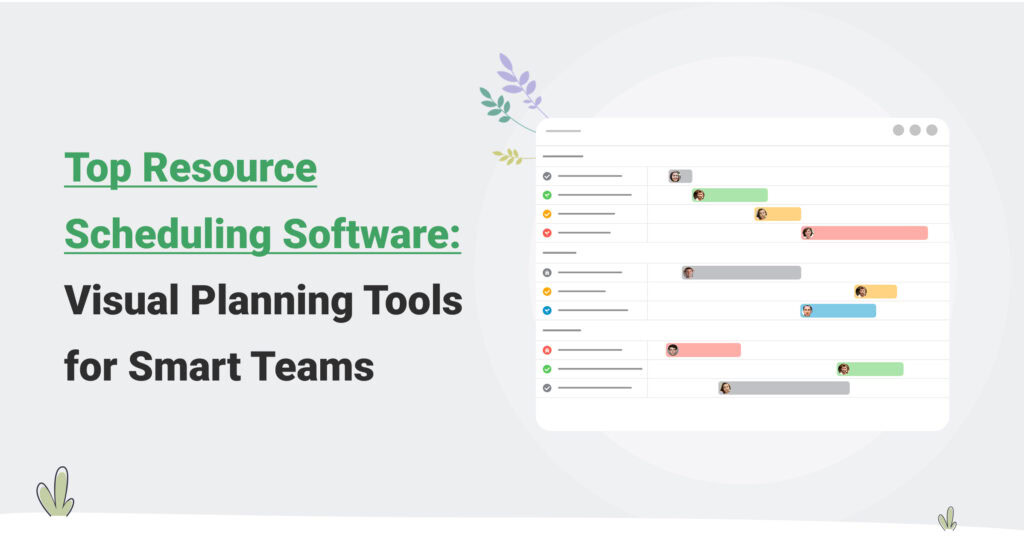
What resource scheduling software should do for a services firm, the features that matter, an honest look at the tools, and how to run the evaluation.
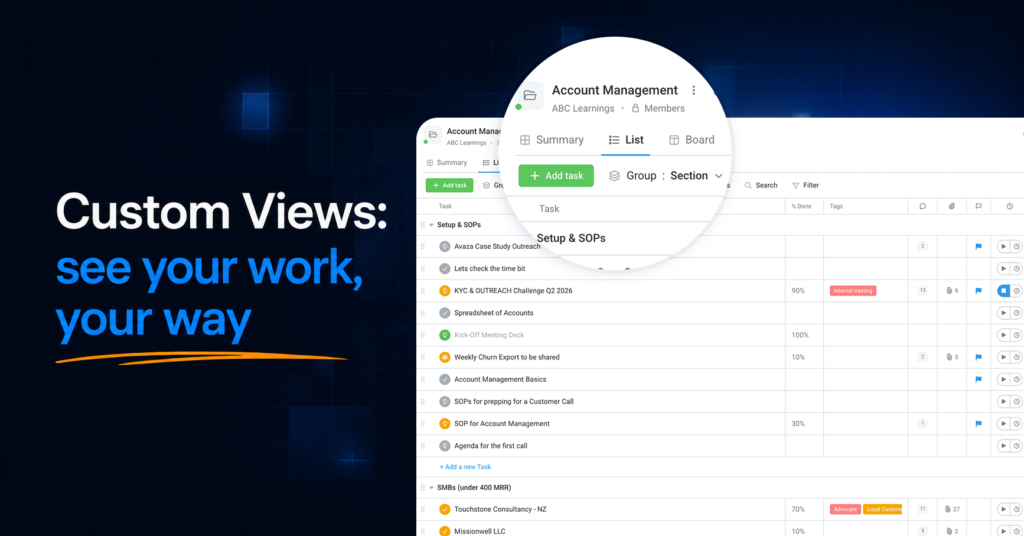
Save any way of looking at your work as a named view: filters, columns, sorting and grouping, one click apart. Custom Views are live on task and project pages — plus new Kanban and Gantt layouts for your portfolio.